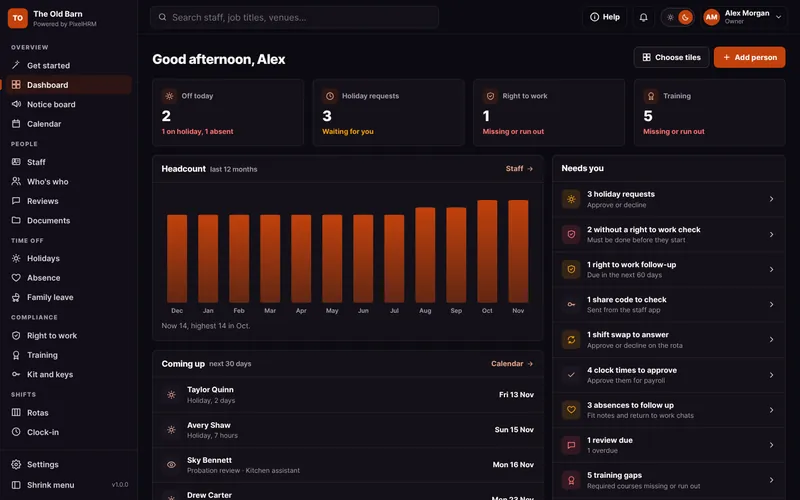
Your Own App. On Every Phone.
Not our app with our logo. Your app, in your business name and colours. Staff add it to their home screen from a link and sign in with an email code, with no app store and no passwords.

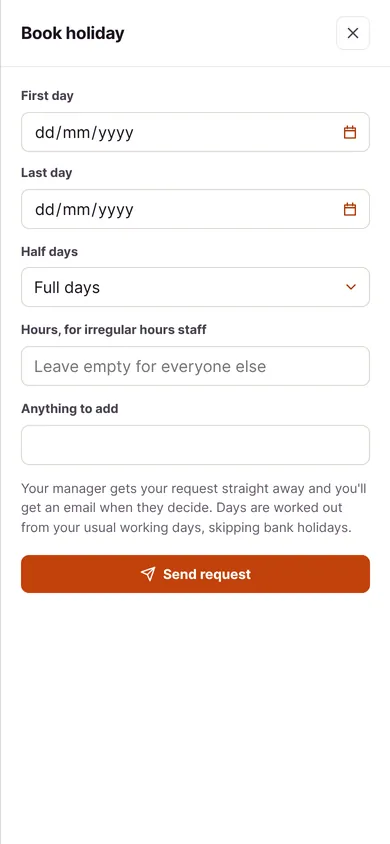
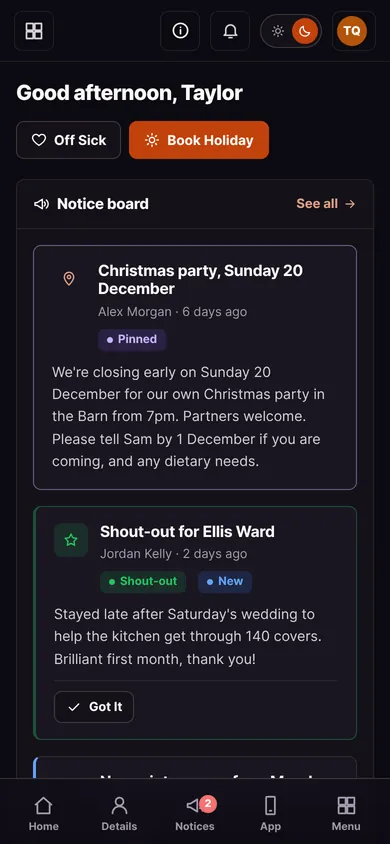

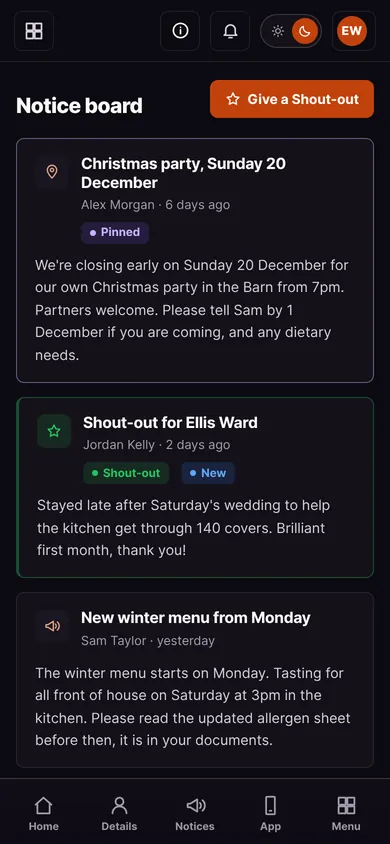
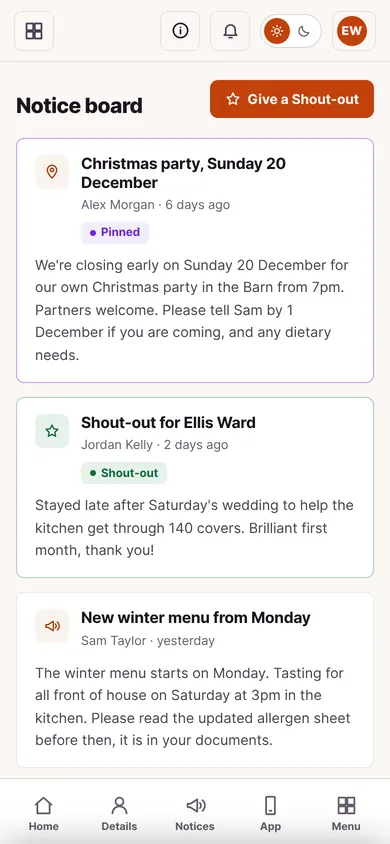
Other HR Apps Put Their Logo on Your Team's Phones.
Most HR software makes your staff download the software company's app from an app store, with their name on the icon and their branding on every screen. PixelHRM is set up in your name, so the app on your team's phones is yours.
- Your Name and ColoursYour logo on the home screen icon, the sign-in page, every screen and every email.
- Nothing to InstallNo app store, no store account, no updates to wait for. Open a link, add it to the home screen, done.
- Phone AlertsNotices, holiday answers, rotas and documents to sign buzz their phone, like any other app.
- No PasswordsAn email code to sign in, then it stays signed in on their phone for 30 days.


Everything They Need, Laid Out for Thumbs.
The things staff ask you about every week, answered on their own phone.


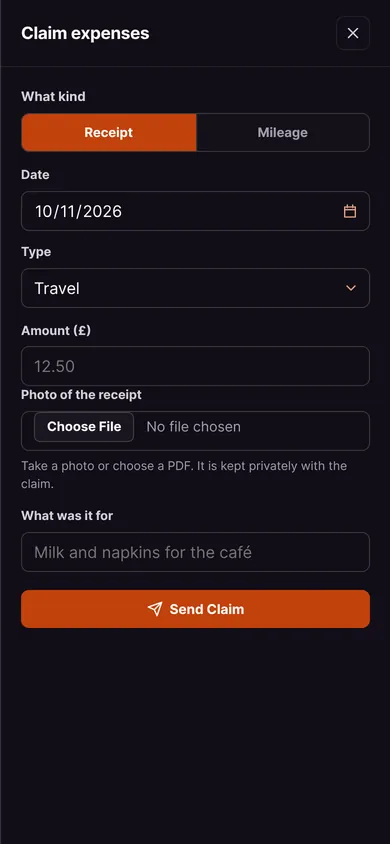
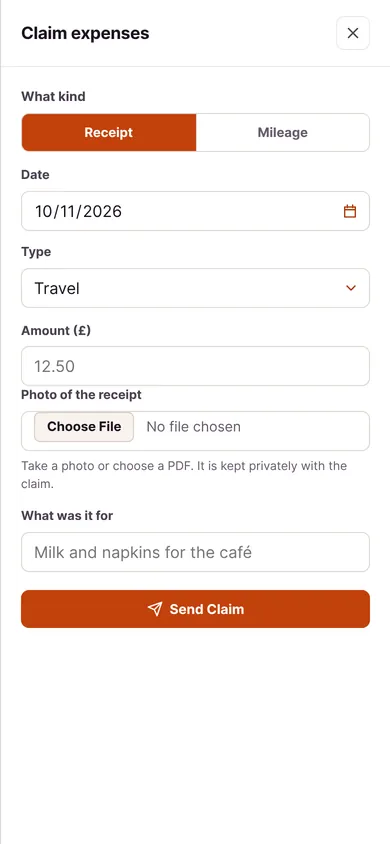
Know the Moment It Happens.
Everyone can switch on alerts. Managers hear about the things that need them, and staff hear about the things that matter to them.
- Holiday RequestWhen someone asks for time off from their phone.
- Off SickWhen someone tells you they are off sick, so you can plan cover.
- Expenses and Extra HoursWhen someone claims expenses or asks to bank extra hours.
- Right to Work Follow-UpAt 60, 28 and 7 days before someone's permission ends.
- Staff NewsFor staff: new notices, holiday answers, rota published and shout-outs.
- Documents to SignFor staff: when a new policy needs reading and signing.
Three Taps. No App Store.
The staff app installs straight from the browser, with its own icon in your colours.
Sign In With a Code
Open your PixelHRM link and type the six-digit code sent to your email.
Add to Home Screen
On iPhone use Share in Safari, on Android use Install app in Chrome.
Done
It opens like an app from now on, already signed in.
The App, Answered.
The things people ask about putting HR on their team's phones.
Yes. It carries your business name, logo and colours on the home screen icon, the sign-in page, every screen and every email. Your team never sees a software company's brand.
No. They open your PixelHRM link on their phone, add it to the home screen from the browser menu, and it opens full screen with your icon, like any other app.
There is nothing to download, nothing to update and no store account needed. Every improvement is there the next time they open it, and it is your app, not ours.
Yes. On iPhone, open it in Safari and add it to the home screen. On Android, use Install app in Chrome. Phone alerts on iPhone need iOS 16.4 or later.
They type their email and we send a six-digit code. Their phone then stays signed in for 30 days after they last used it.
Sign that phone out from their record in one tap. When someone leaves, they can't sign in after their last day.
Only their own things, like their holiday, shifts, reviews, training and documents, plus notices and anything you choose to share, like who else is off.
Yes, it comes with every PixelHRM at no extra cost.