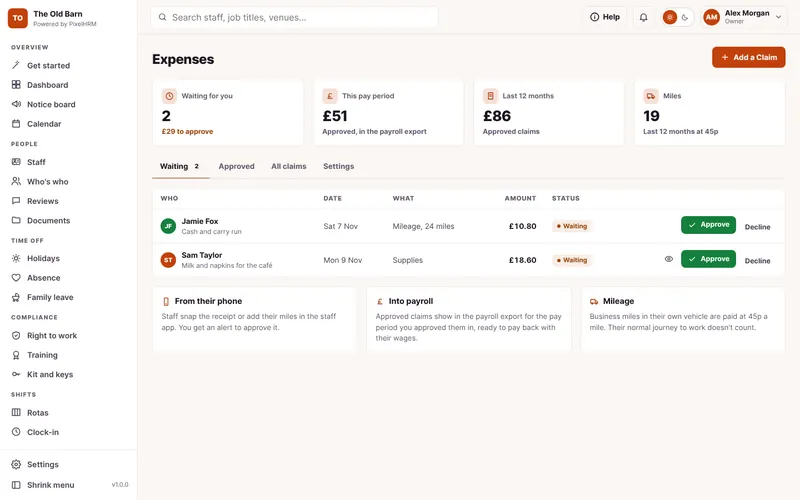
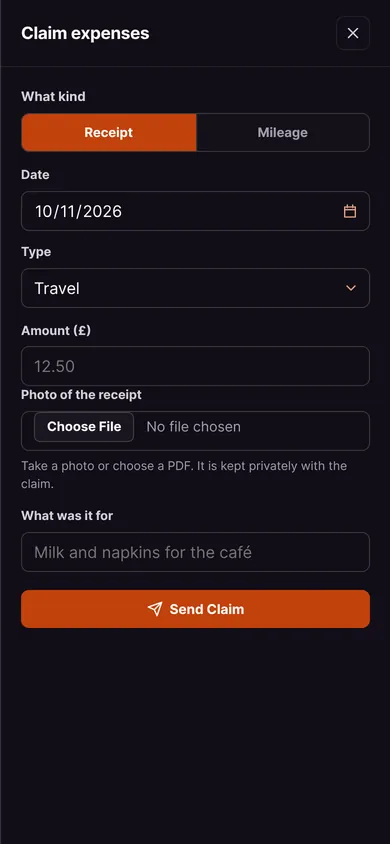
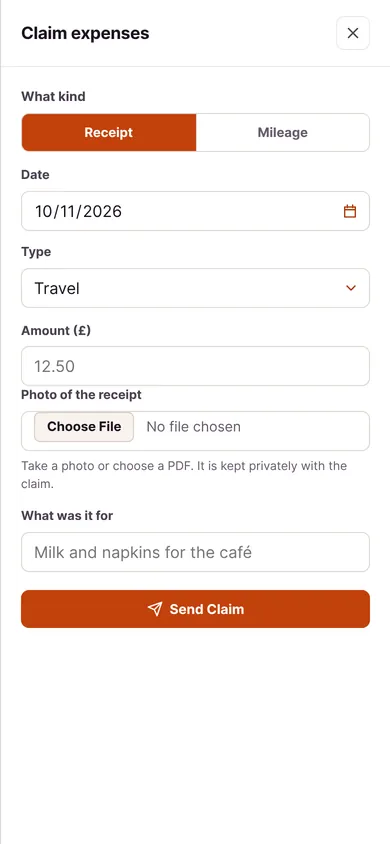
Everything in Expenses.
Receipts and mileage claimed from a phone, approved by you and into payroll. This is how it looks in PixelHRM.
Approve It in One Tap.
Every claim with its receipt, mileage worked out, and approve or decline with a reason.
- Photo of the ReceiptStaff snap the receipt in the staff app. You can make a photo required for every claim.
- MileageBusiness miles at the rate you set, 45p a mile by default, worked out for them.
- Approve in One TapApprove or decline with a reason, and they get a phone alert either way.
Paid Back With Wages.
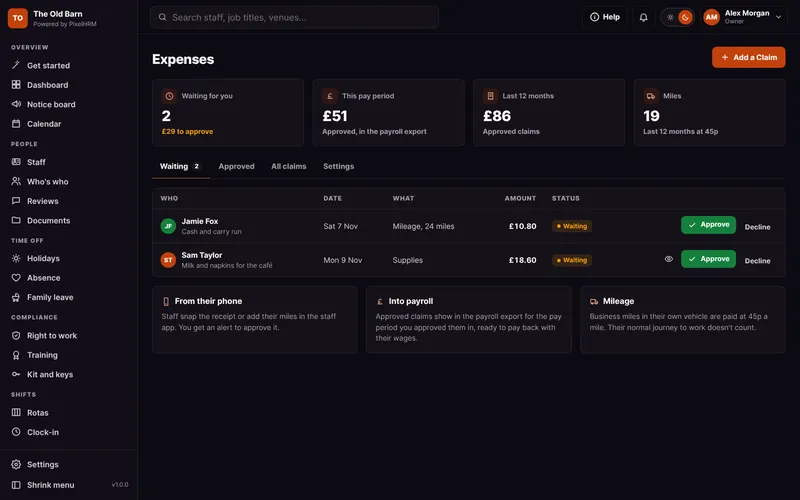
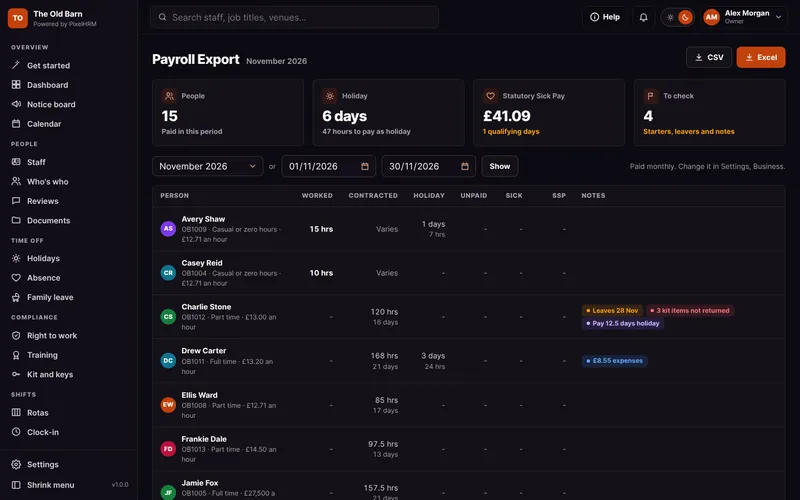
Approved claims go in that pay period's payroll export, and every claim downloads as Excel or CSV.
- Into PayrollApproved claims go in the payroll export for the pay period you approved them in.
- Your TypesTravel, fuel, supplies and more. Set your own list in one place.
- Every Claim KeptA list of every claim with the receipt, ready to export as Excel or CSV.

Part of One System. Not Another App.
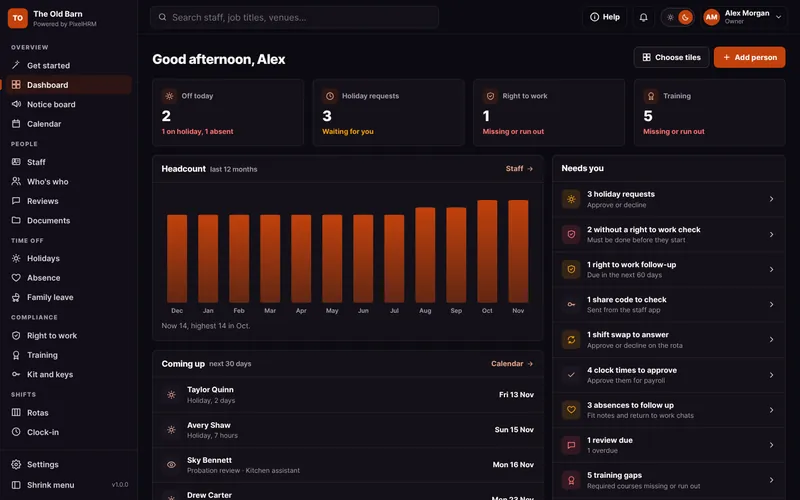
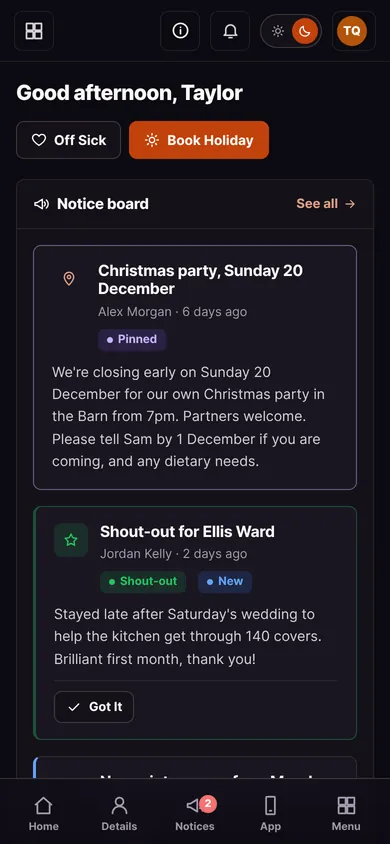
Expenses works with every other part of PixelHRM, so the same person, dates and hours flow through from their first day to the payroll export.


All Joined Up.
Everything works together in one system.
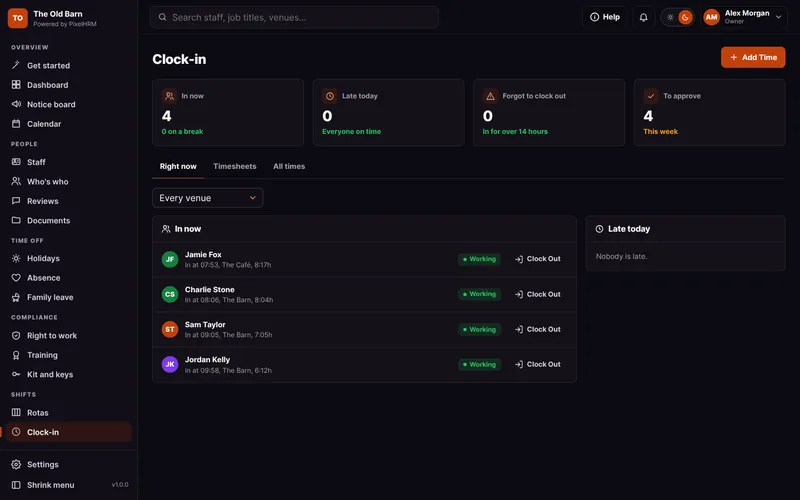

Clock-In
On-site clock-in from any phone, checked against your venue.
Find out morePayroll Export and Reports
Hours, holiday, sick pay and family pay ready for payroll, in Excel or CSV.
Find out more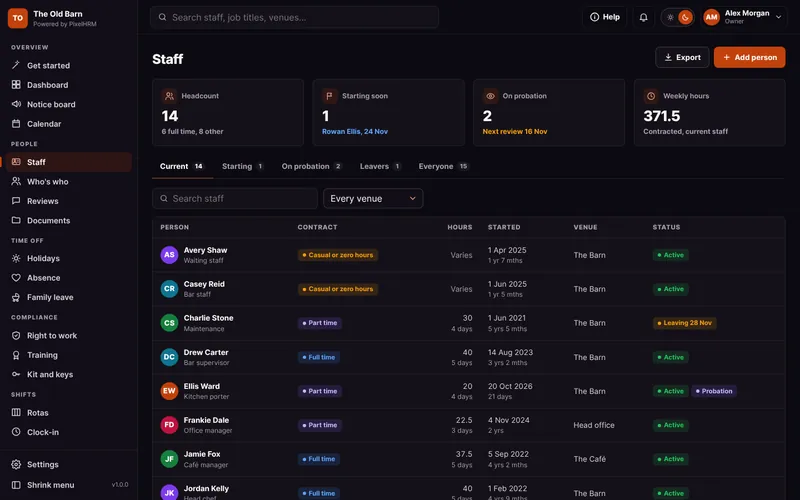

Staff Records
Every person, their contract, pay and history in one tidy record, with starter and leaver checklists.
Find out more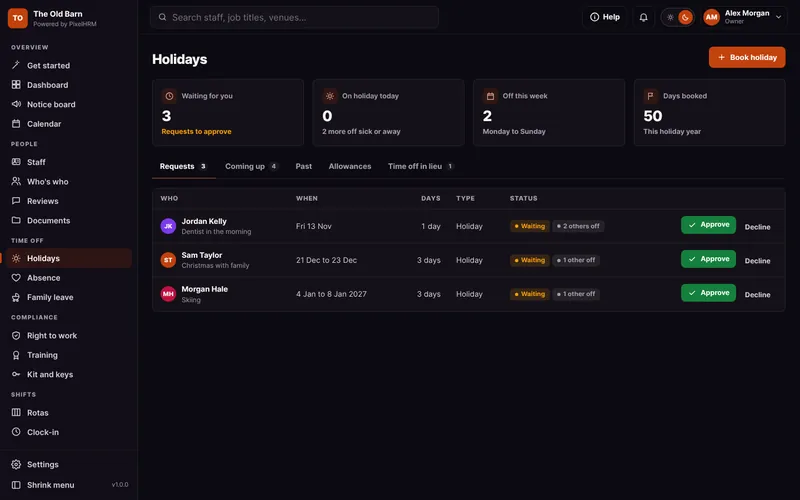

Holidays and Leave
Requests, approvals and clash warnings, with the UK maths done for you.
Find out moreExpenses Questions.
Something we have not covered? Ask us, or book a demo and see it for yourself.
No. Approved claims go in your payroll export so they are paid back with wages, the way most small businesses do it.
Whatever you set. It starts at 45p a mile, HMRC's tax-free rate for cars and vans for the first 10,000 business miles.