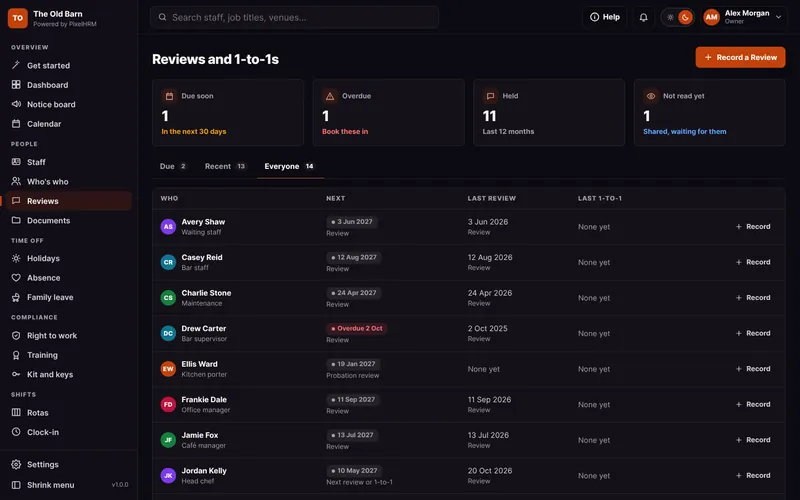


Everything in Reviews and 1-to-1s.
Probation reviews, yearly reviews and quick 1-to-1s, shared with staff when you choose. This is how it looks in PixelHRM.
What You Said. What You Agreed.
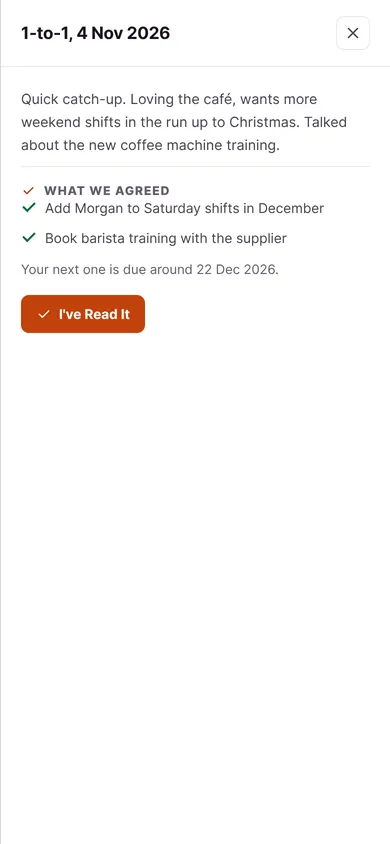
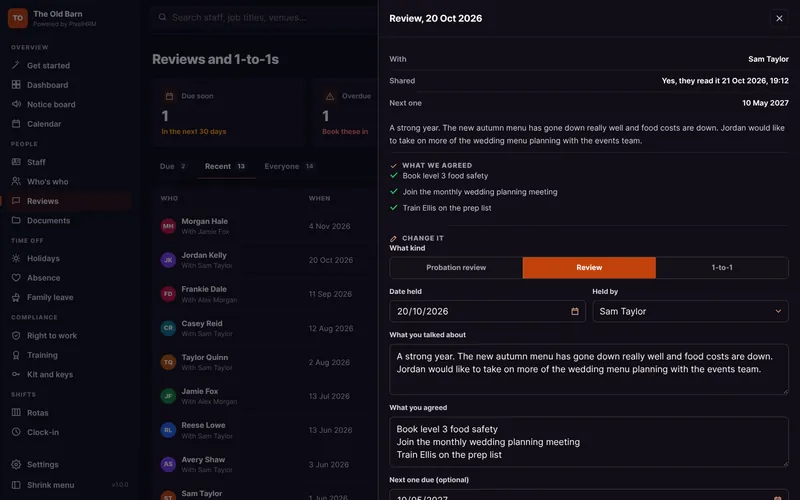
Write it down while it is fresh, list the actions and set when the next one is due. Share it and they confirm they have read it.
- Notes and ActionsWhat you talked about and what you agreed, one action per line.
- Shared to Their PhoneShare it and they read it in the staff app, then press I've Read It.
- Review Every so OftenSet how often everyone is reviewed, and the next one is worked out for you.

Probation, Properly.
New starters get a checklist and a probation review date. Record passed, extended or not passed when it comes round.
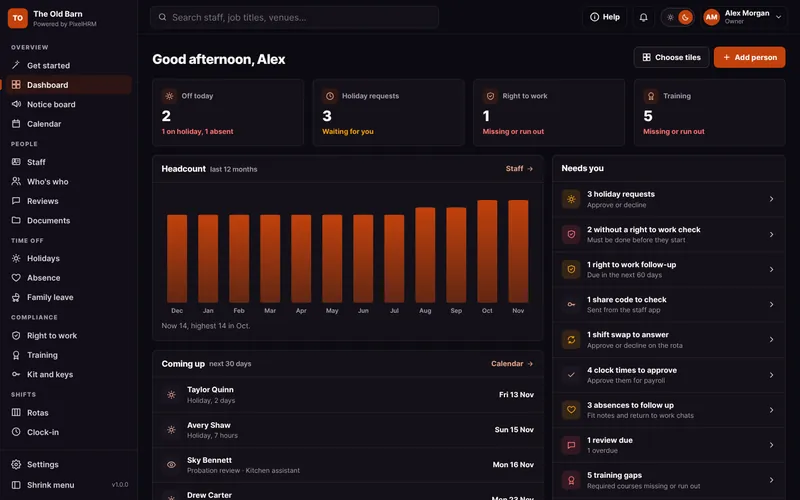
- Due Dates for YouProbation endings and review dates show on the dashboard, so nobody slips through.
- Probation OutcomesPassed, extended with a new end date, or not passed, recorded on their record.
- Starter Checklists TooNew starters get a checklist that sits alongside their probation, from contract to induction.


Part of One System. Not Another App.
Reviews and 1-to-1s works with every other part of PixelHRM, so the same person, dates and hours flow through from their first day to the payroll export.

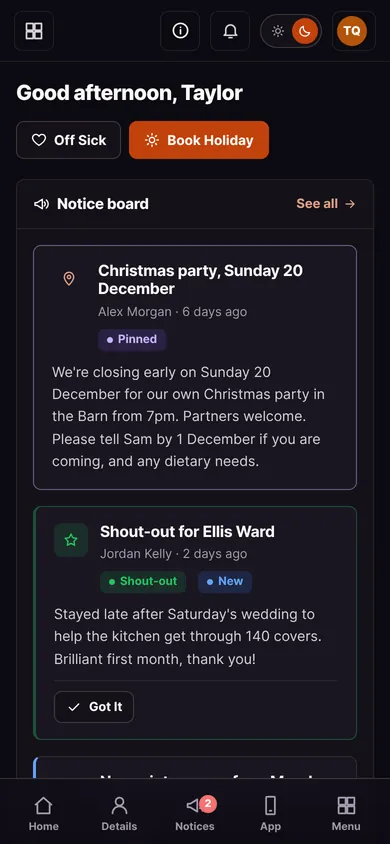

All Joined Up.
Everything works together in one system.
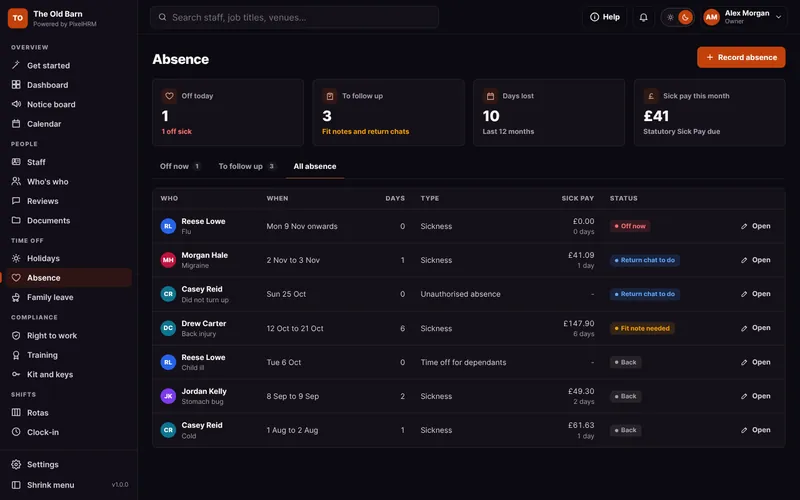
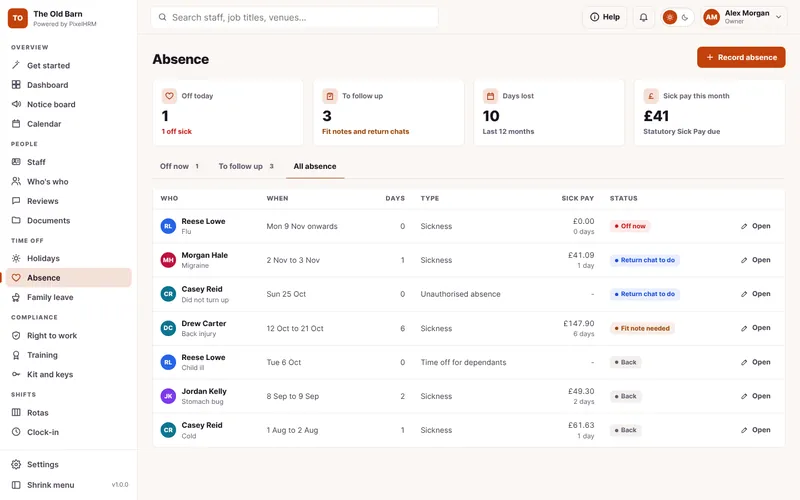
Sickness and Absence
Sick pay from day one, fit notes and return to work chats in one place.
Find out more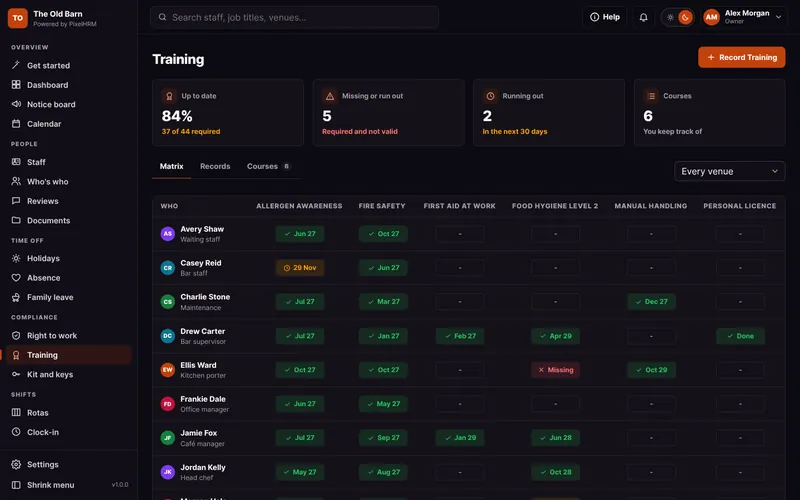

Training
Who needs which course, who is up to date and what runs out next.
Find out more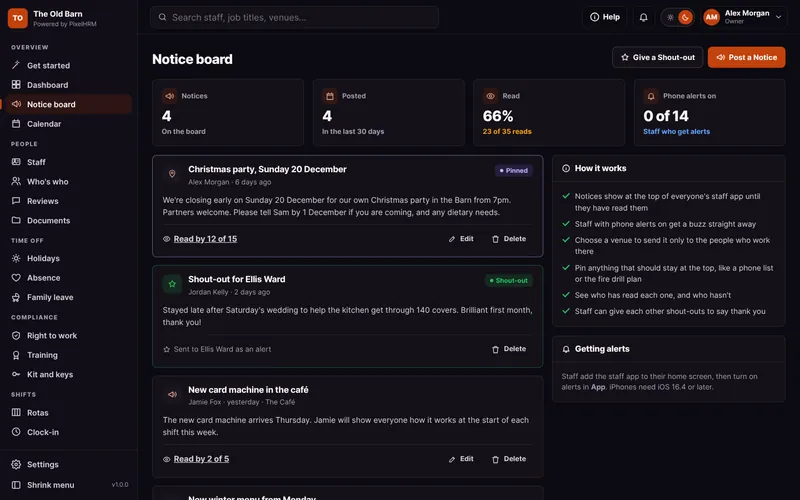

Notice Board and Shout-Outs
News to every phone with read receipts, thank-you shout-outs and Who's who.
Find out more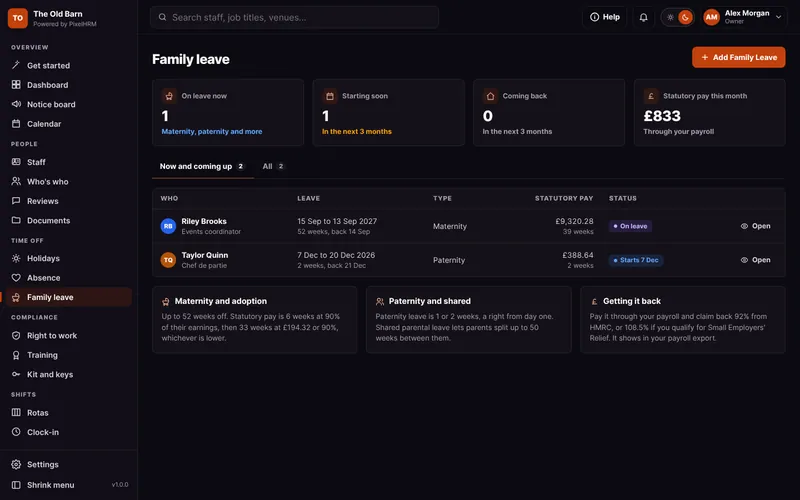
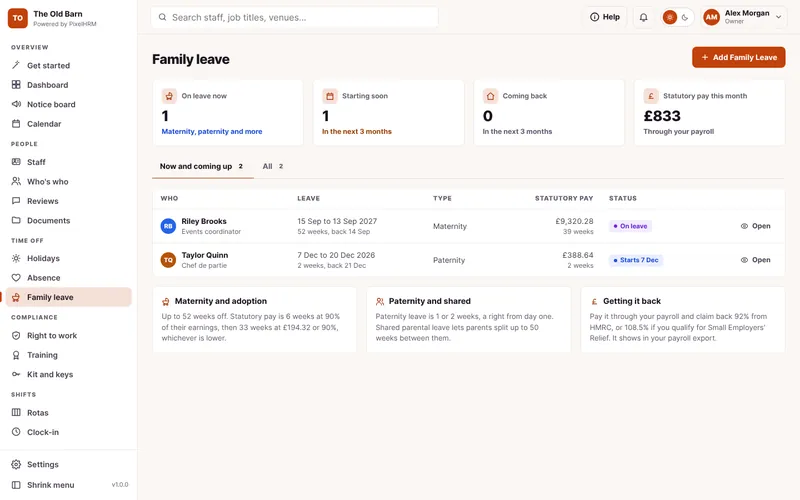
Family Leave
Maternity, paternity, adoption and shared parental leave, with the dates and pay worked out.
Find out moreReviews and 1-to-1s Questions.
Something we have not covered? Ask us, or book a demo and see it for yourself.
Only what you share. Each review has a switch to share it with them, and managers-only notes stay private.
Yes. Probation reviews and reviews due in the next 30 days show on the dashboard and in Reviews, with an alert a week before.
Yes. Give someone Reviews access in their staff record and they can record reviews too.