Policies Signed. Proof Kept.
Upload your handbook once and staff read and sign it on their phone, with the date and time saved. Contracts, letters and certificates sit on each person's record, private to them.
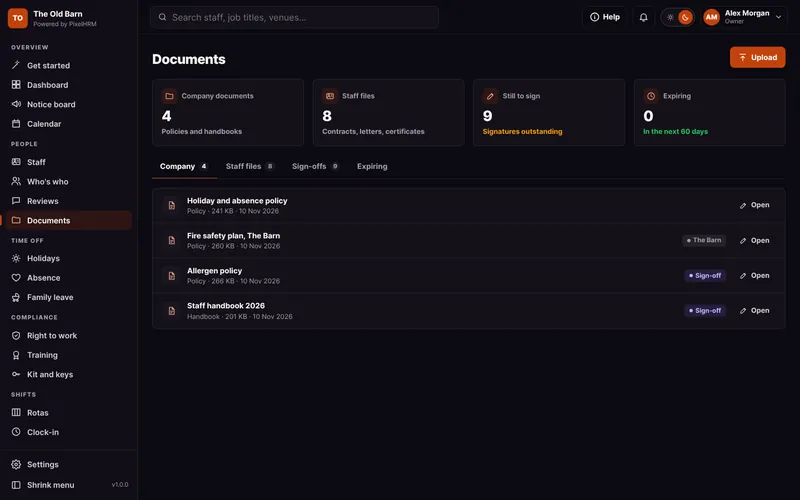
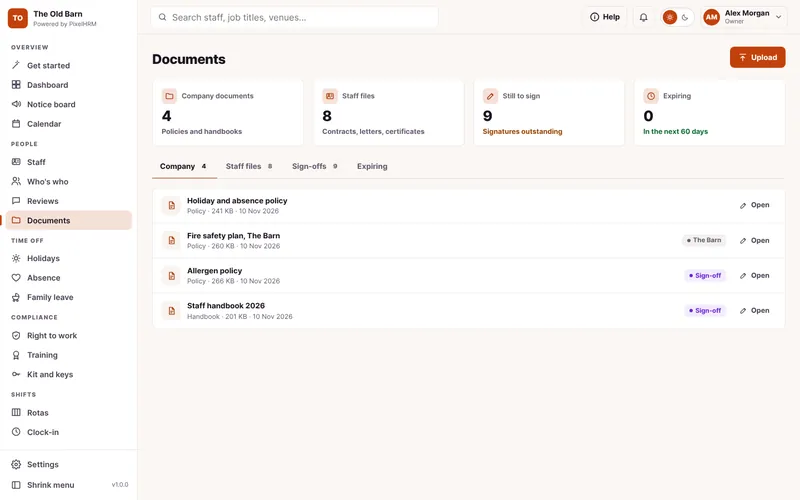


Everything in Documents and Policies.
Handbooks signed on the phone, contracts and certificates in one place. This is how it looks in PixelHRM.
Signed, Dated and Kept.
See who has signed each policy and when, and send a reminder to anyone still waiting.
- Read and SignStaff open the policy on their phone and sign with their name. You keep the date and time.
- RemindersSee who hasn't signed yet and send a reminder by email and phone alert in one press.
- Everyone or One VenueShare a document with the whole team or just the people at one venue.


Private by Default.
Contracts, letters and certificates sit on each person's record. Staff only ever see their own and the company ones you share.
- For Each PersonContracts, letters and payslips you upload for someone are only ever seen by them.
- CertificatesAdd an expiry date to any certificate and you get an alert before it runs out.
- From Their PhoneStaff send fit notes and certificates from their phone. Photos are resized and saved for you.


Part of One System. Not Another App.
Documents and policies works with every other part of PixelHRM, so the same person, dates and hours flow through from their first day to the payroll export.
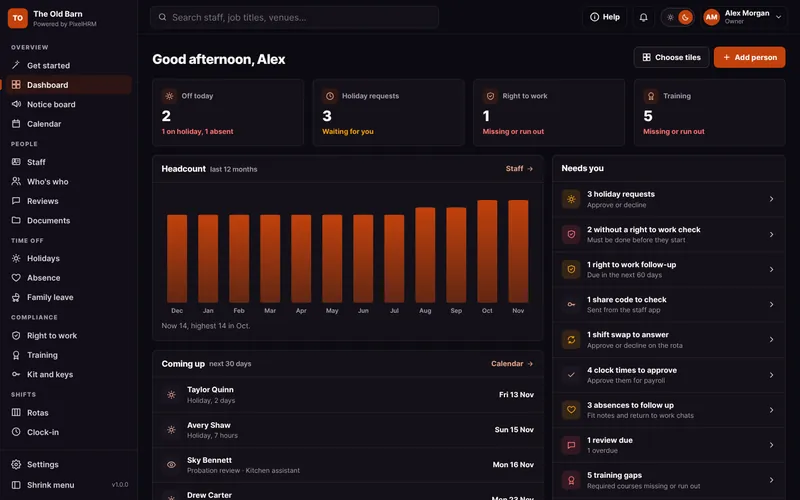

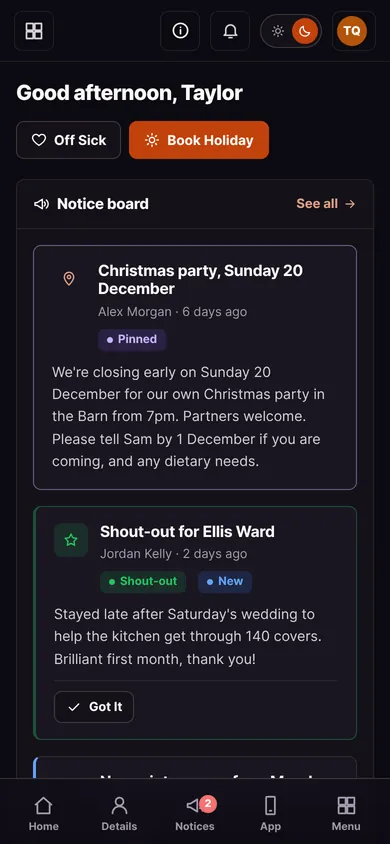

All Joined Up.
Everything works together in one system.
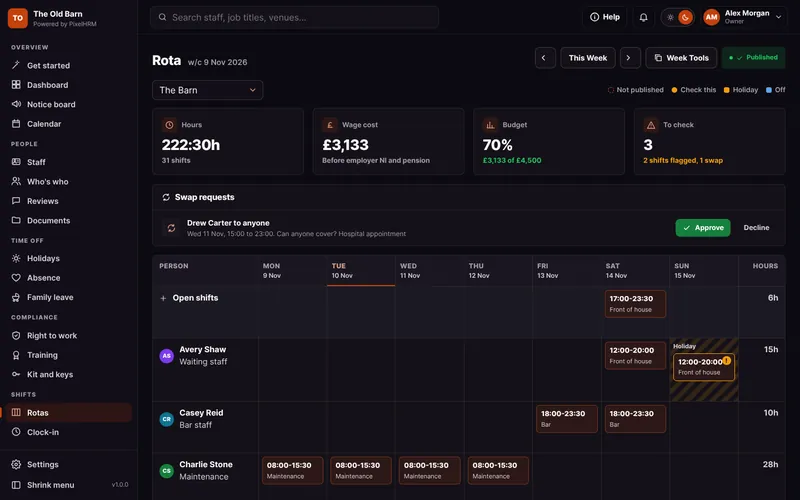
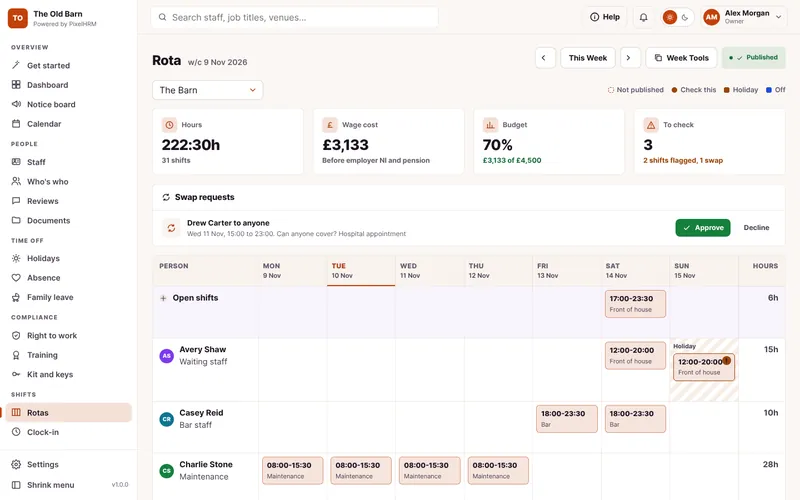
Rotas and Shifts
Plan the week around who is actually free, see the wage cost, then publish it to phones.
Find out more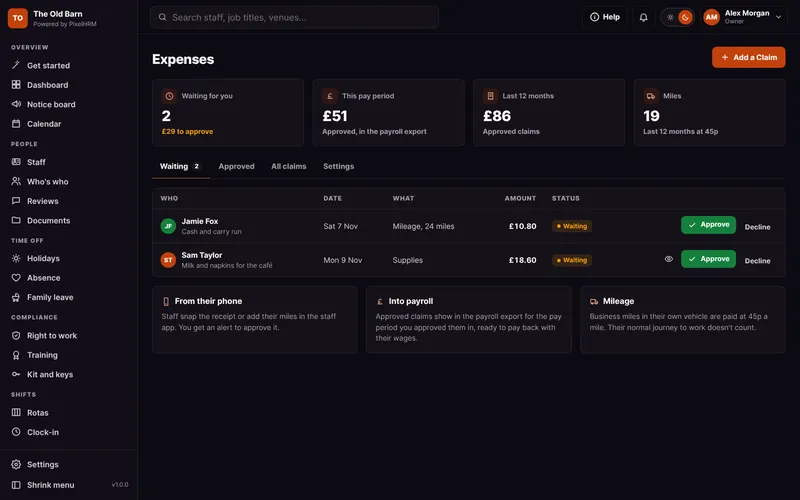
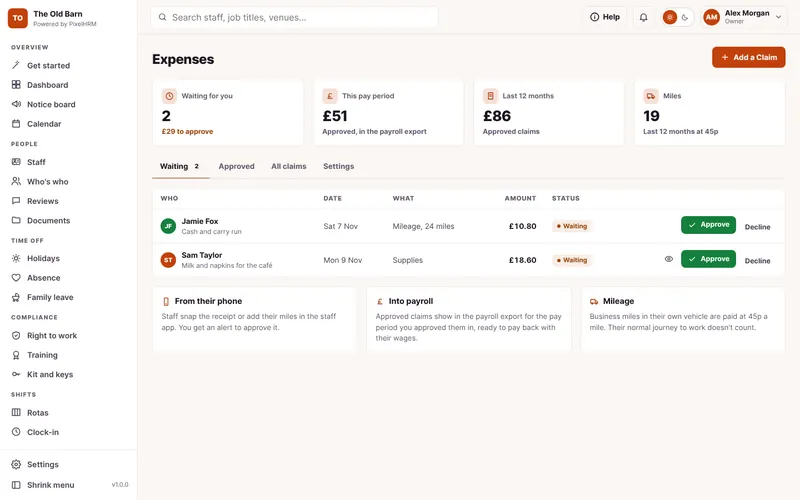
Expenses
Receipts and mileage claimed from a phone, approved by you and into payroll.
Find out more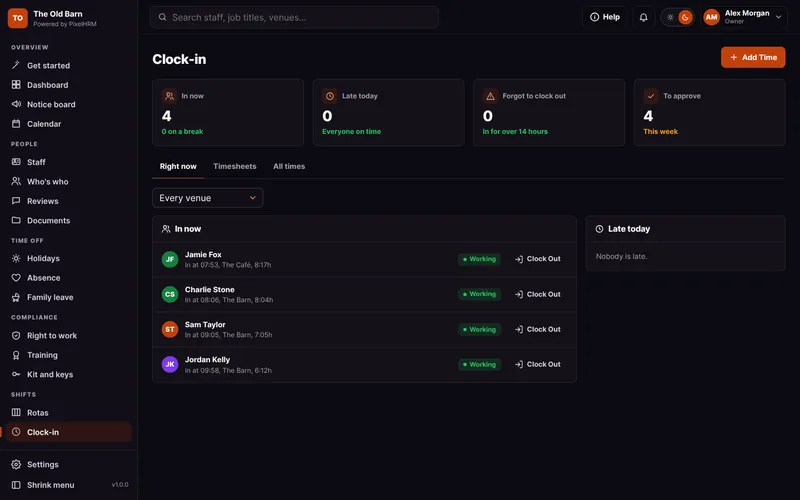

Clock-In
On-site clock-in from any phone, checked against your venue.
Find out more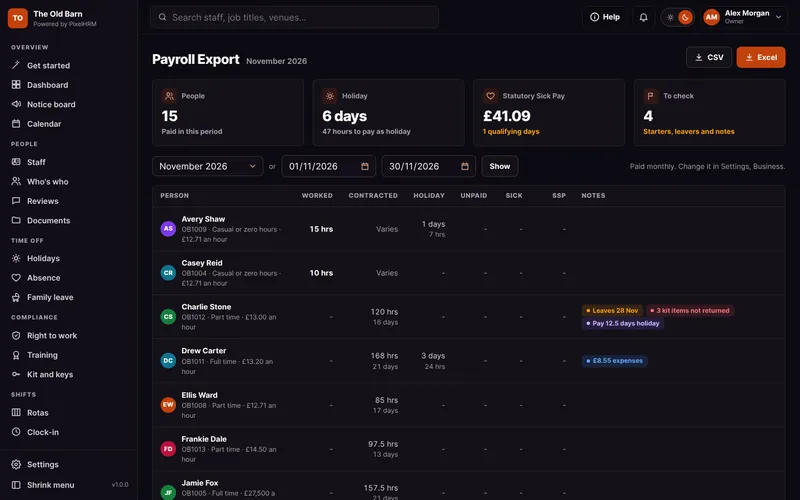

Payroll Export and Reports
Hours, holiday, sick pay and family pay ready for payroll, in Excel or CSV.
Find out moreDocuments and Policies Questions.
Something we have not covered? Ask us, or book a demo and see it for yourself.
Yes. Each policy shows who has signed and when, and who is still waiting, with a Remind button.
No. Each person only ever sees their own documents and the company ones you share.
Yes. Add an expiry date to any certificate and PixelHRM alerts you 30 days before it runs out.