Good Questions. Straight Answers.
Everything people ask before they switch to PixelHRM, from the UK rules to moving your records over. Can't see your question? Ask PixelBot or get in touch.


Pick a Topic.

The Awkward Maths, Done for You.
Holiday, sick pay, right to work and clock-in rules, explained in plain English with calculators you can try.
See the UK RulesAbout PixelHRM
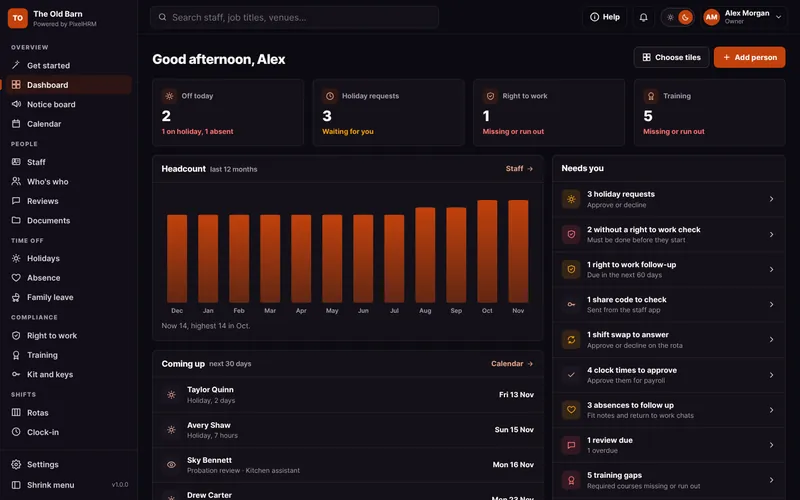
Simple HR software for UK small businesses. It looks after staff records, holidays, sickness and sick pay, family leave, right to work, training, reviews, documents and a notice board, with your own branded staff app on every phone. Pro adds rotas, clock-in, time off in lieu, expenses and kit tracking.
Small UK teams, especially wedding and event venues, hospitality, shops, salons and anyone with part-time, casual or seasonal staff.
PixelBay, a Yorkshire web and software studio building since 1999. PixelHRM is a PixelBay brand, built, set up and supported by PixelBay.
No. PixelHRM is a management tool. It keeps your records, does the maths and reminds you what is due. For advice on a specific situation, speak to Acas or an employment adviser.
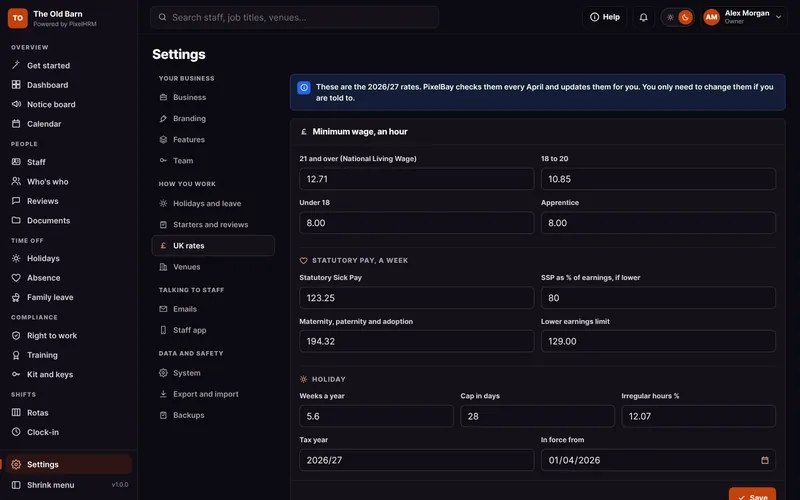
PixelBay updates the statutory rates, like sick pay and family pay, each April, and bigger rule changes arrive as PixelHRM updates, included in your plan. You can see every rate in Settings.
No. It is built for busy managers, not HR departments. Every screen has a Help button that explains it, and there is a full user guide with screenshots.
The Staff App
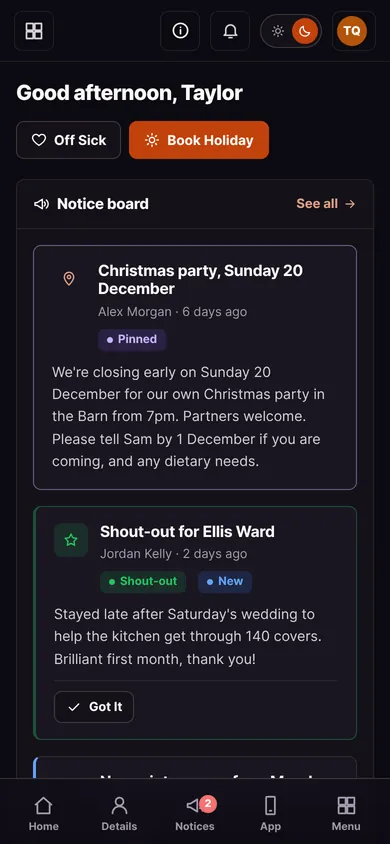
Yes, and it is yours. It carries your business name, logo and colours, not ours, so your team sees your brand every time they open it. Staff book holiday, tell you they are off sick, see their rota, clock in, sign documents, read notices and more.
No. Staff open a link and add it to their home screen in a few seconds. It opens full screen like any other app, stays signed in for 30 days and gets phone alerts, with nothing to download or update.
Most HR apps make your staff download the software company's own app, with their logo on it. With PixelHRM there is nothing to install, every update is there straight away, and the app is in your name.
No. They sign in with a six-digit code sent to their email. If a phone is lost, you can sign it out from anywhere.
Yes. Phone alerts on iPhone need iOS 16.4 or later, with the app added to the home screen.
Pricing and Licence
PixelHRM Core starts from £75 a month, and Pro from £125 a month. Your exact price depends on your setup and we agree it before anything starts.
Yes. If you have a handful of staff, get in touch and we will set you up with everything included, from £50 a month.
No. Every plan includes unlimited staff. Take on 40 casuals for the summer and your bill stays the same.
Core covers staff records, holidays, sickness and sick pay, family leave, right to work, training, reviews, documents, the notice board, payroll export and the staff app. Pro adds rotas, clock-in at your venues, time off in lieu, expenses and kit and keys.
Setting up PixelHRM, with your logo, colours, rules and venues, is part of what you pay for. If your setup needs extra work, like bringing in data from another system, we tell you the cost before anything starts.
No. Monthly plans need 30 days' notice to cancel, and that is it.
No. PixelHRM is licensed monthly, so you use it while your licence is active. If you want a system you own outright, that is a custom build.
PixelBay is not VAT registered, so there is no VAT on top of your monthly price.
Demos
Your own private copy of PixelHRM, full of example staff, open straight away with no booking. It lasts 30 minutes with a timer on screen, then it is deleted.
Your own private copy of PixelHRM on a day you pick, open for longer than the Live Demo, and we can extend it if you need more time.
Please don't. Demos are for a look round with example data. Your real system is set up privately for you.
Setup and Support
PixelBay installs it for you, adds your logo and colour, sets your holiday and pay rules and adds your venues.
PixelHRM is installed on your own hosting and domain, with its own private database. If your hosting can't run it, we can host it on our UK system instead, by agreement, with any cost agreed before anything is set up.
Usually, by arrangement. Send us an export from your old system and we will confirm whether we can map it in. It may be chargeable, so please ask first. You can also bring your staff in from a spreadsheet yourself.
No. A new PixelHRM starts in test mode, so emails go to PixelBay until you switch test mode off in Settings and go live.
Yes. The owner can switch any feature off in Settings, and it disappears from the menu and the staff app. Records are kept if you switch it back on.
Every screen has a Help button, and the user guide covers every screen with screenshots. After that you get PixelBay in the UK, by email or WhatsApp, not a ticket queue. We reply within one working day.
Your Data
You do. Your data is yours and you can export it from your admin at any time, as Excel or CSV.
In a private database on your own hosting, not a shared platform. Uploaded files, like right to work copies, are kept outside the public website and only open for people allowed to see them.
Yes, every day, with nothing to set up. The last 14 days are kept in a private folder on your server, ready to download from Settings.
You choose. Leavers' records are kept for six years by default, and right to work copies are removed by themselves two years after someone leaves.
No. A phone shares its location once, only when someone taps Clock In or Clock Out.
Questions About Each Feature.
Every feature page has its own questions and answers.

Staff Records
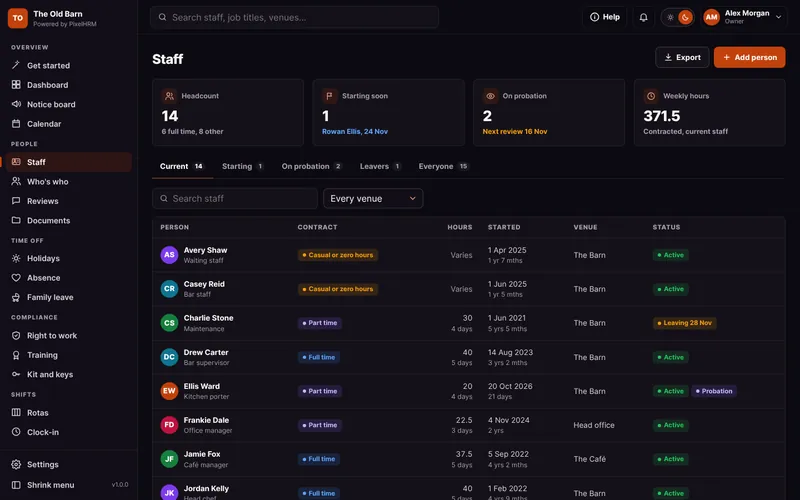
Every person, their contract, pay and history in one tidy record, with starter and leaver checklists.
Find out more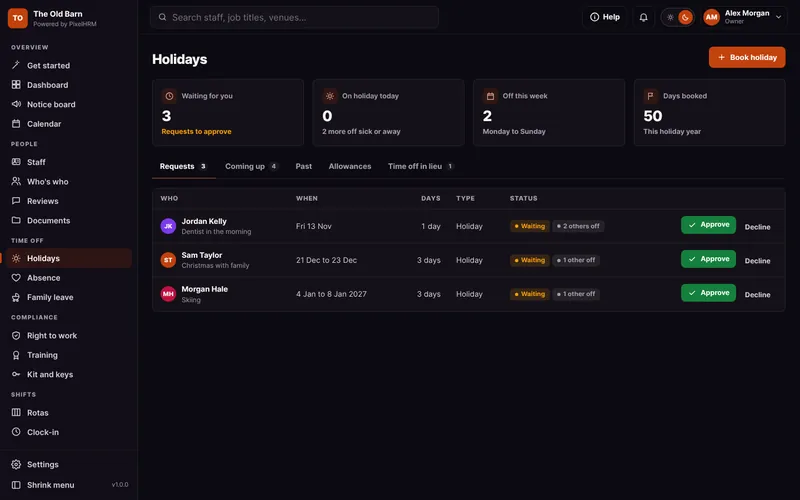

Holidays and Leave
Requests, approvals and clash warnings, with the UK maths done for you.
Find out more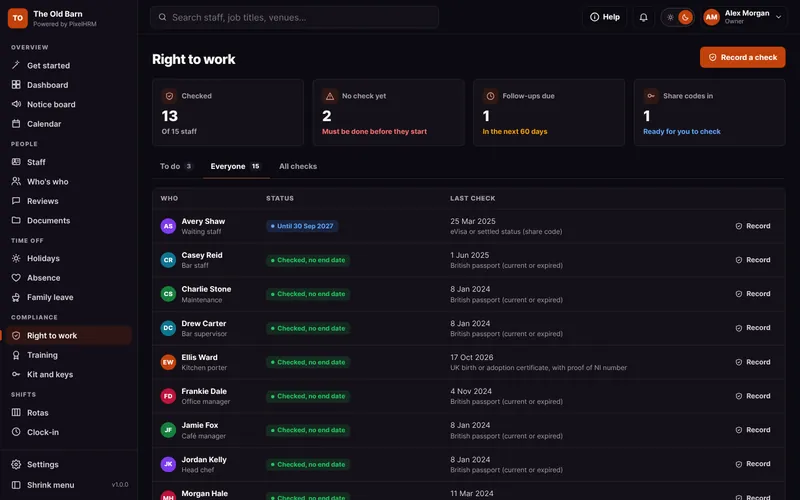
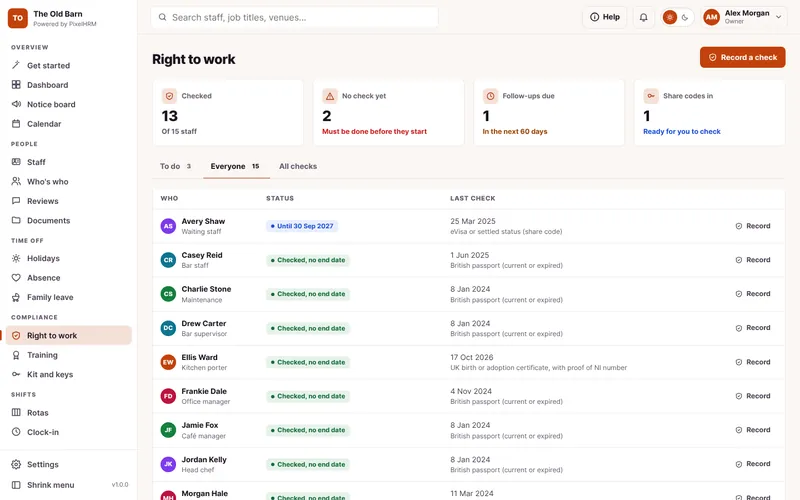
Right to Work
Checks recorded properly, with reminders before permission runs out.
Find out more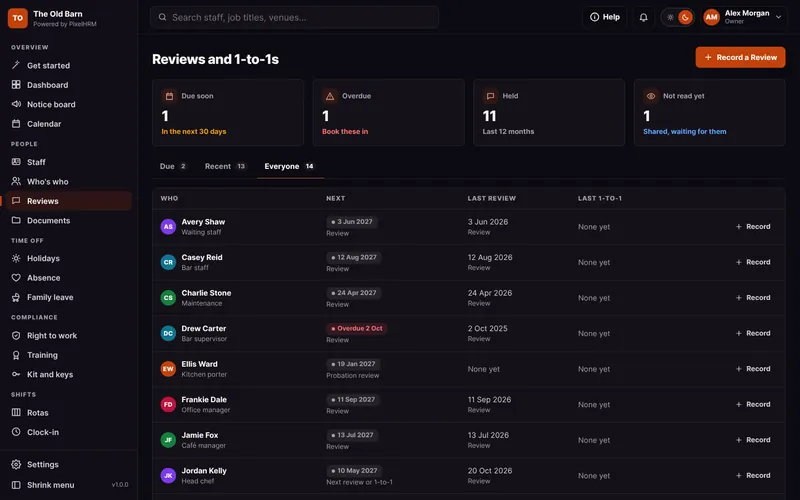

Reviews and 1-to-1s
Probation reviews, yearly reviews and quick 1-to-1s, shared with staff when you choose.
Find out more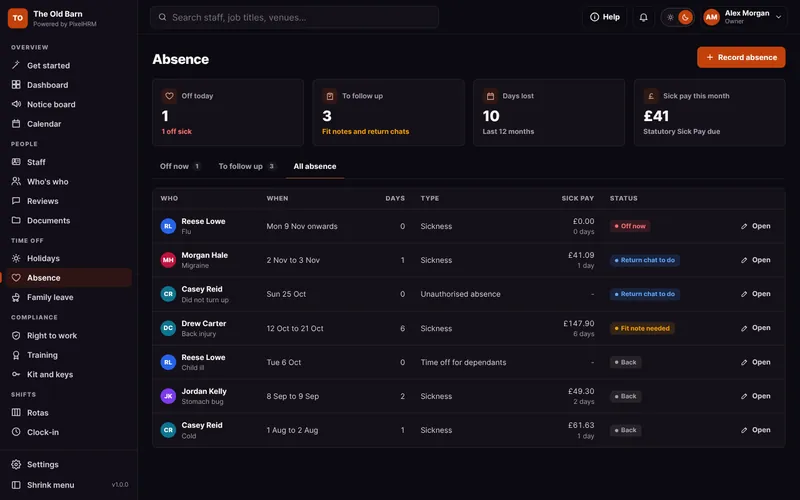
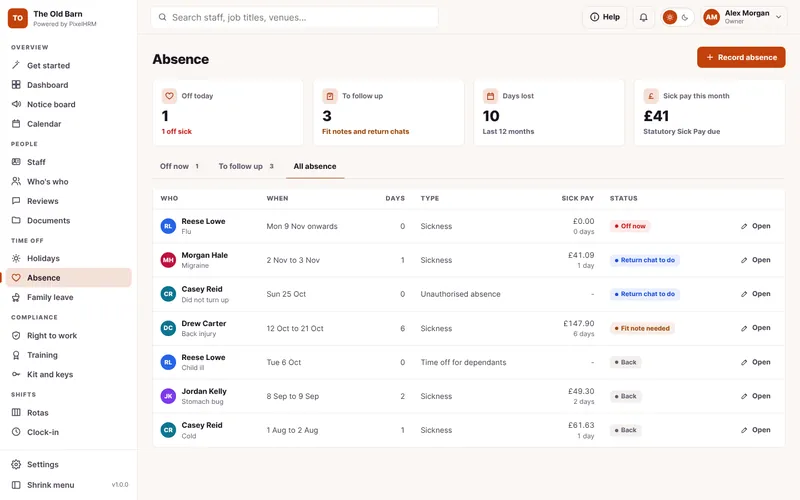
Sickness and Absence
Sick pay from day one, fit notes and return to work chats in one place.
Find out more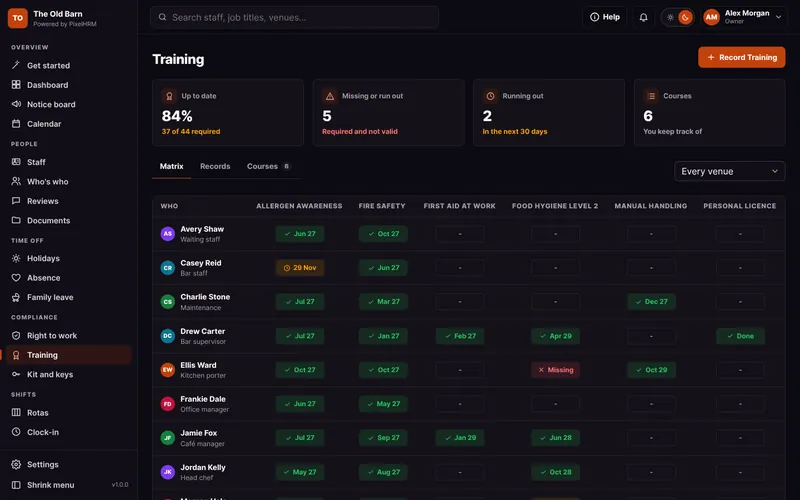

Training
Who needs which course, who is up to date and what runs out next.
Find out more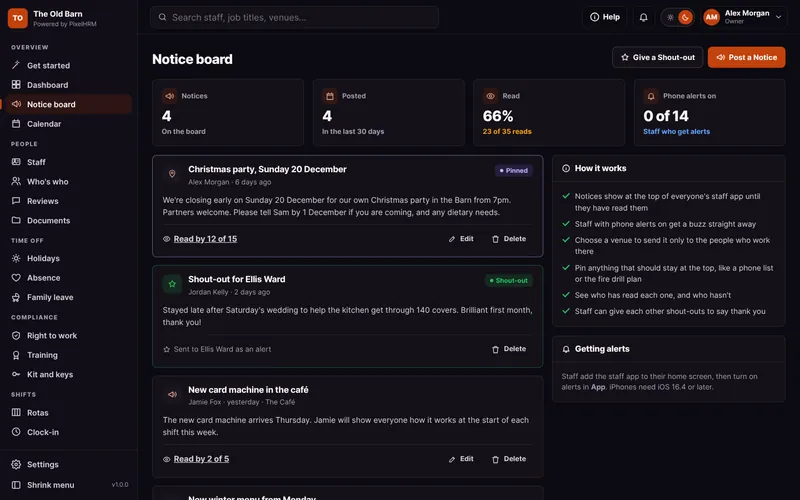

Notice Board and Shout-Outs
News to every phone with read receipts, thank-you shout-outs and Who's who.
Find out more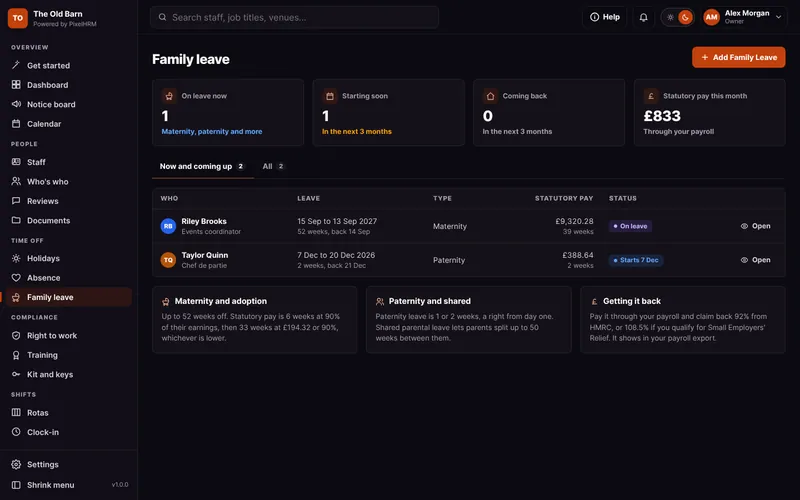
Family Leave
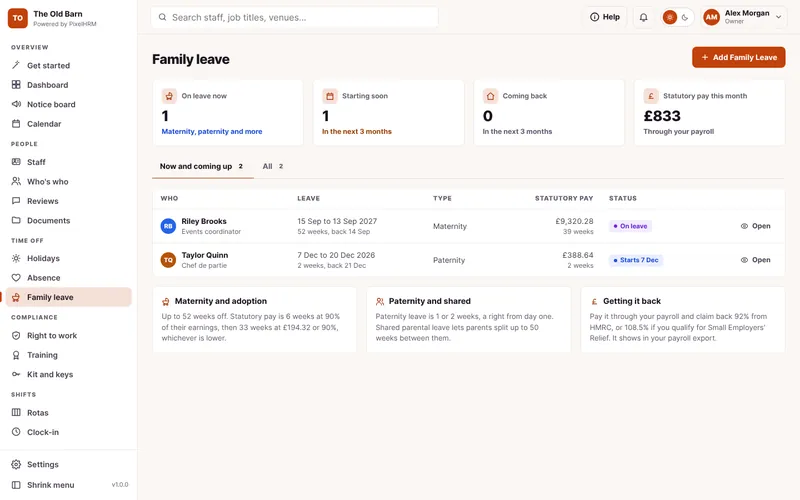
Maternity, paternity, adoption and shared parental leave, with the dates and pay worked out.
Find out more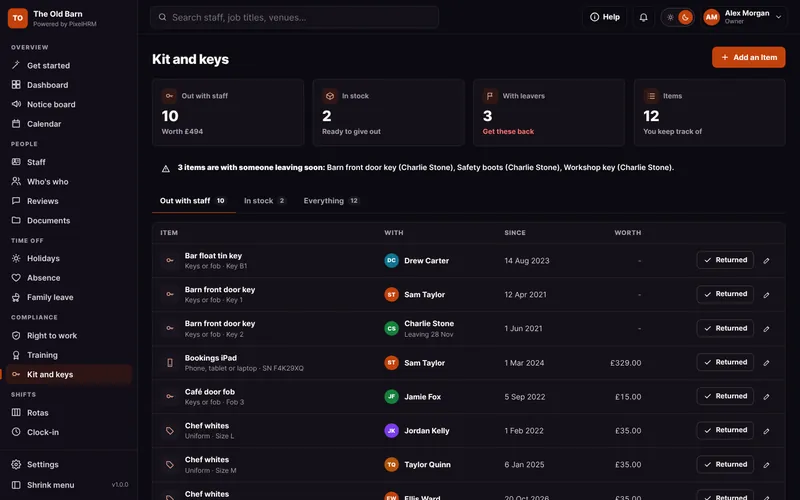

Kit and Keys
Keys, uniform, phones and safety kit given out, and what to get back.
Find out more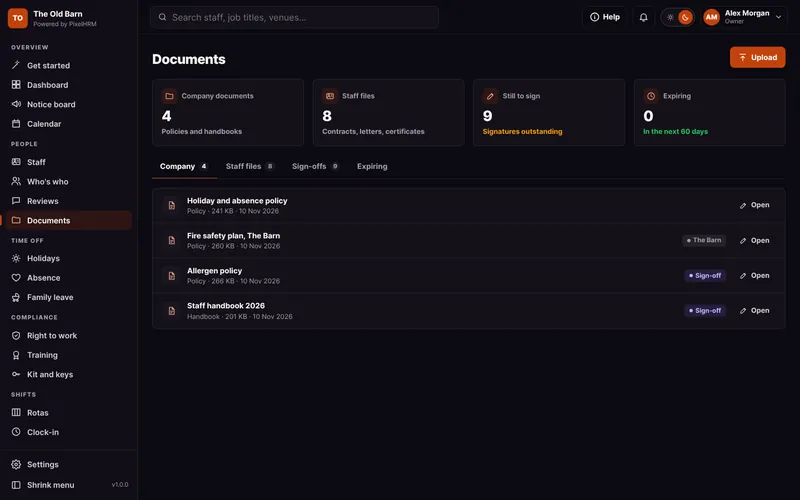
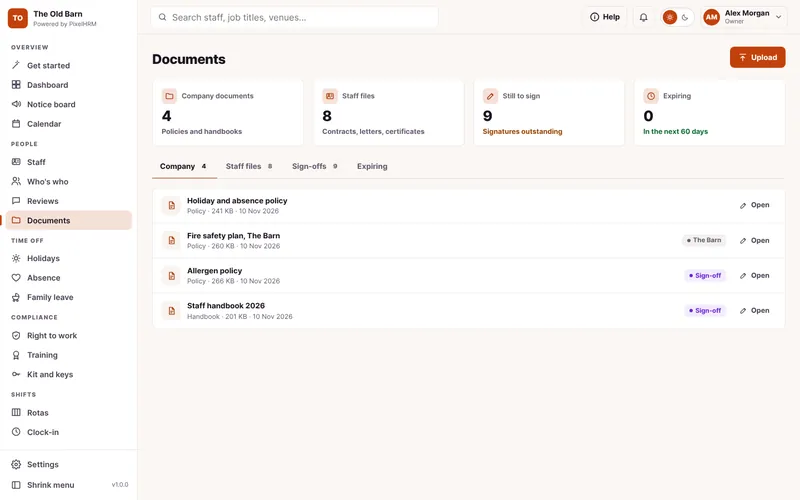
Documents and Policies
Handbooks signed on the phone, contracts and certificates in one place.
Find out more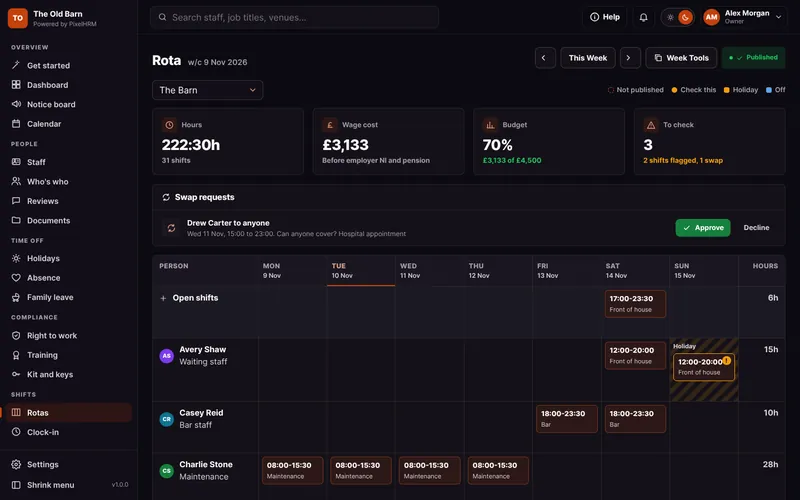
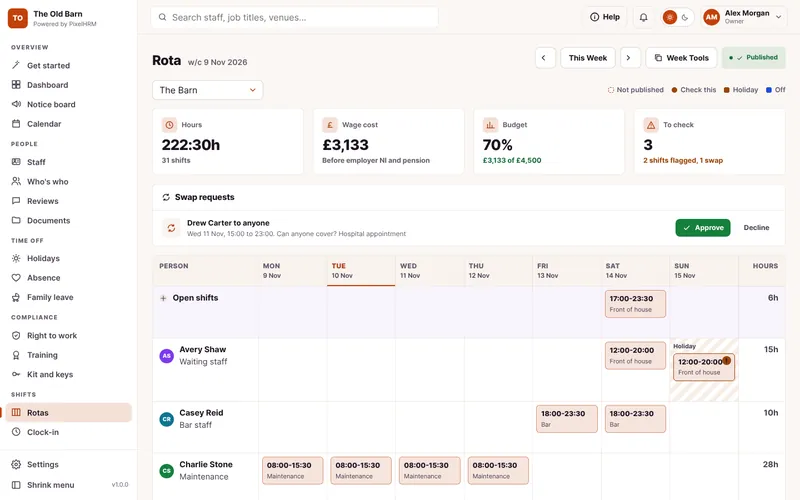
Rotas and Shifts
Plan the week around who is actually free, see the wage cost, then publish it to phones.
Find out more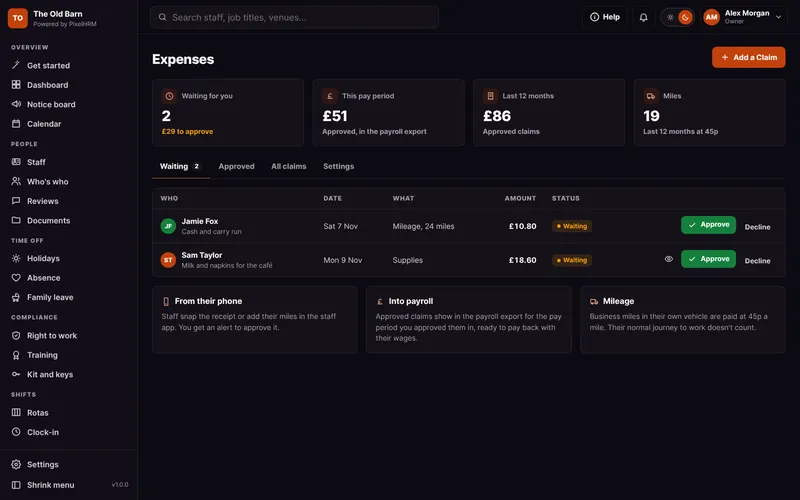
Expenses
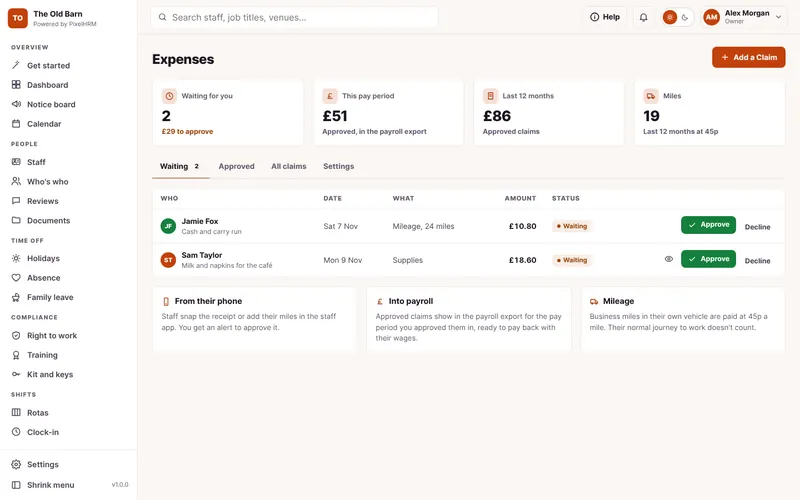
Receipts and mileage claimed from a phone, approved by you and into payroll.
Find out moreStaff App
Your own branded app on every phone, with no app store and no passwords.
Find out more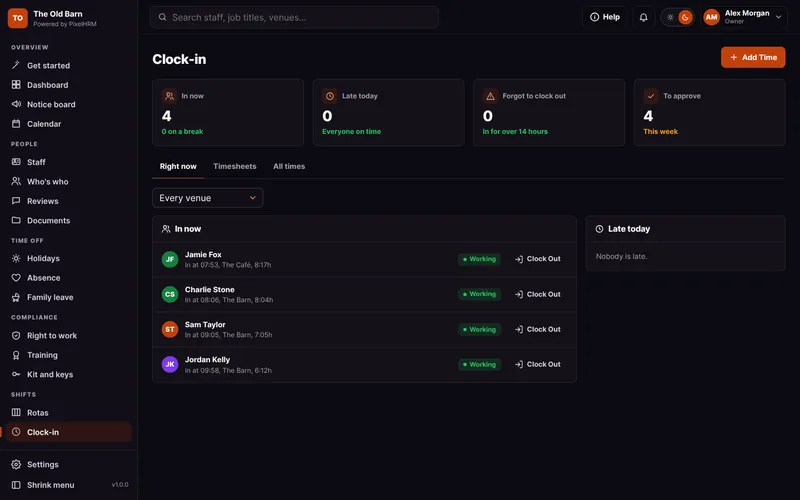

Clock-In
On-site clock-in from any phone, checked against your venue.
Find out more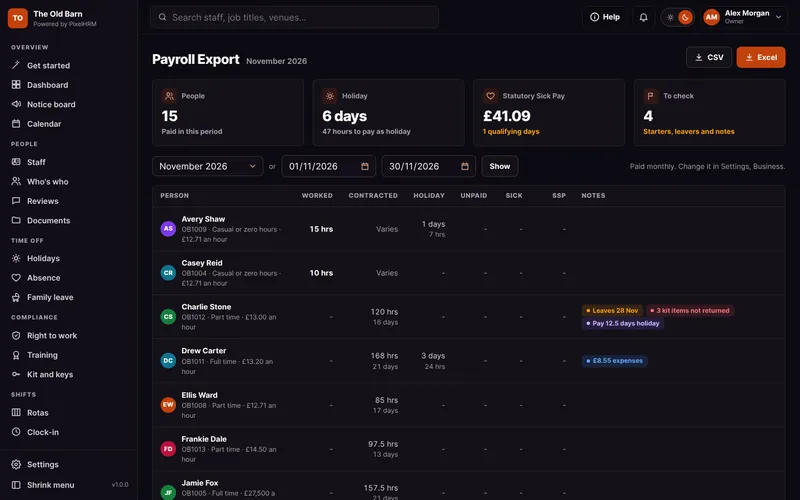

Payroll Export and Reports
Hours, holiday, sick pay and family pay ready for payroll, in Excel or CSV.
Find out more